Installation and setup tutorials for your Procreate digital tools.
Ultimate System – Installation Guide
This walkthrough shows the complete setup process for the Ultimate Tattoo Design System.
You’ll see how to download your files, import the brush library, install palettes, and access all tools inside Procreate.
Follow the steps once, and your system will be ready to use.
Downloading Your Files
Your purchase includes secure cloud access for downloading your files and receiving future updates.
Use the guides below to download your files correctly to your iPad.
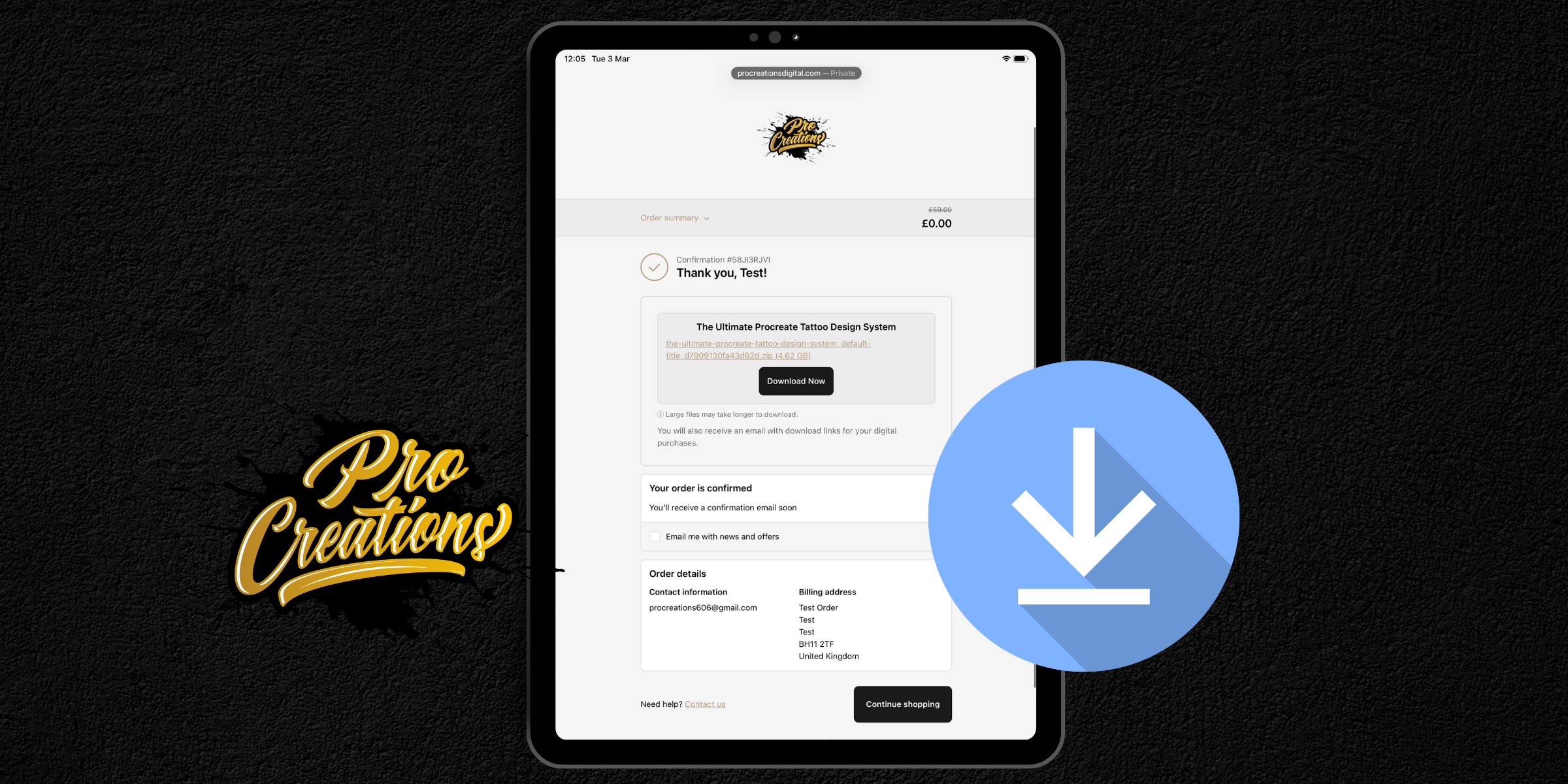
Download Directly After Purchase
If you are downloading from your order confirmation page or email receipt, follow this guide.
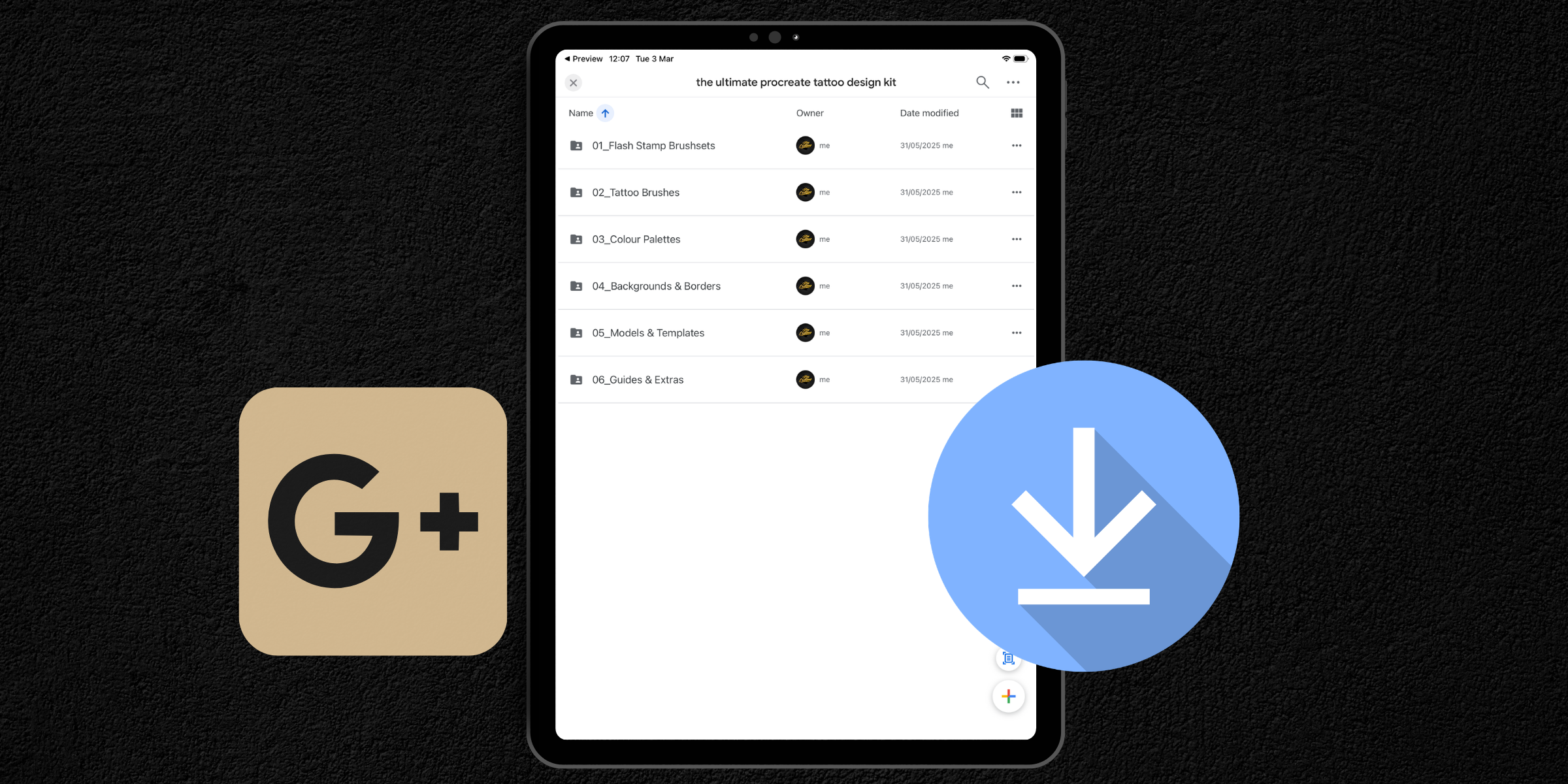
Download from Google Drive
If you are accessing your files through the Google Drive cloud folder, follow this guide.
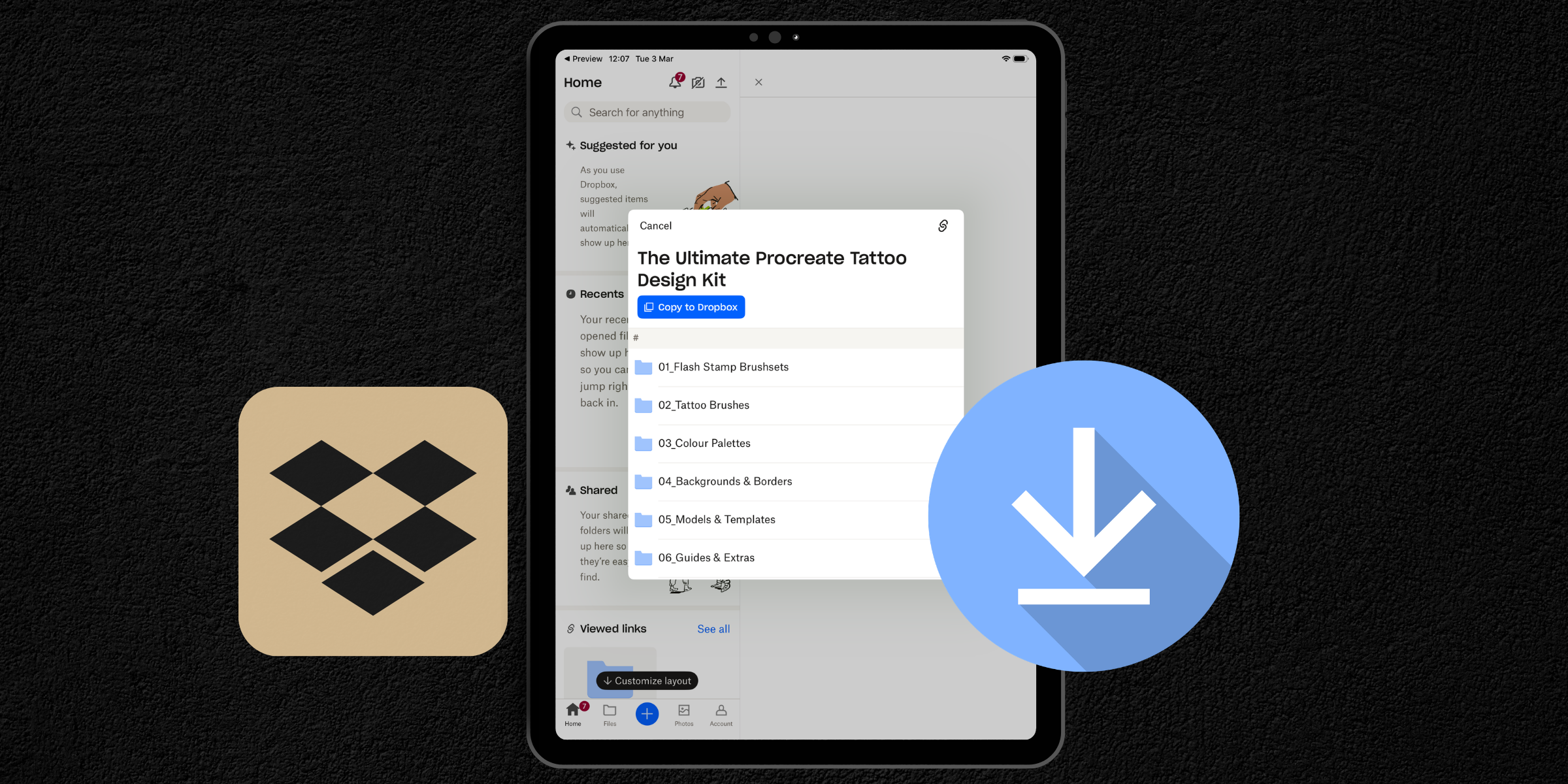
Download from Dropbox
If you are accessing your files through the Dropbox cloud folder, follow this guide.
Installing & Importing
Follow these guides to install your tools inside Procreate.
Import Flash Stamps
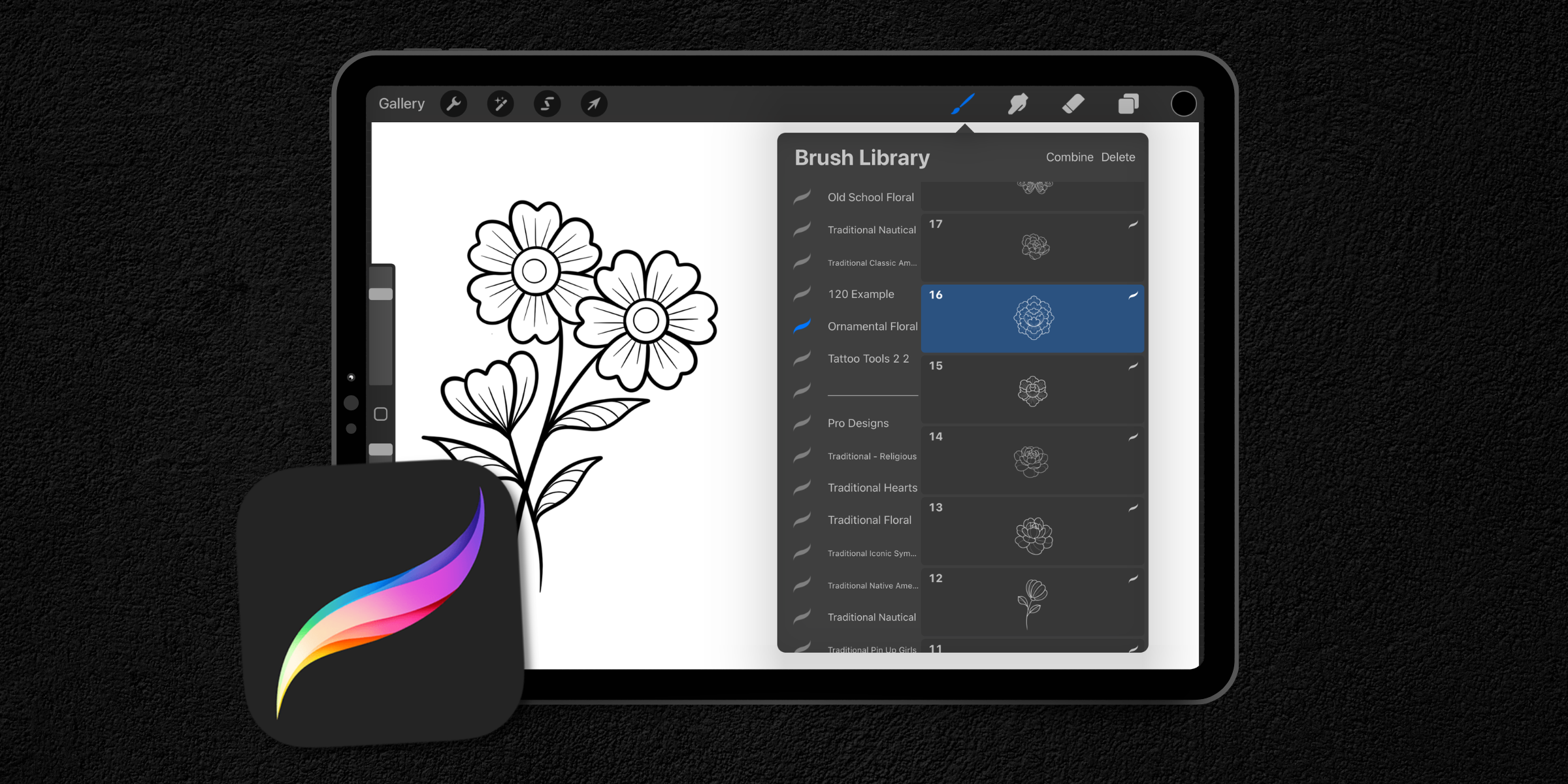
Install Brush Sets
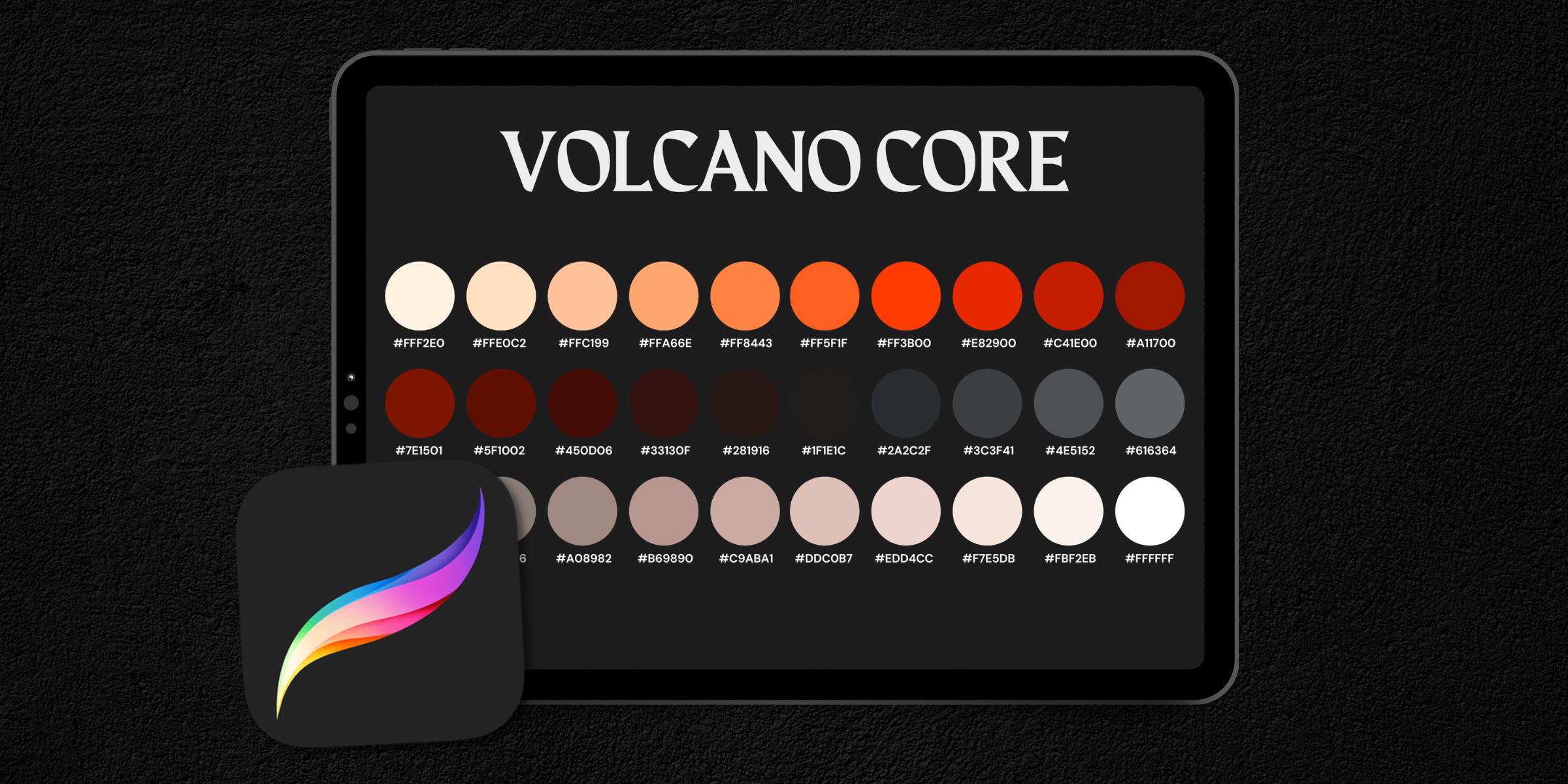
Install Ink Palettes
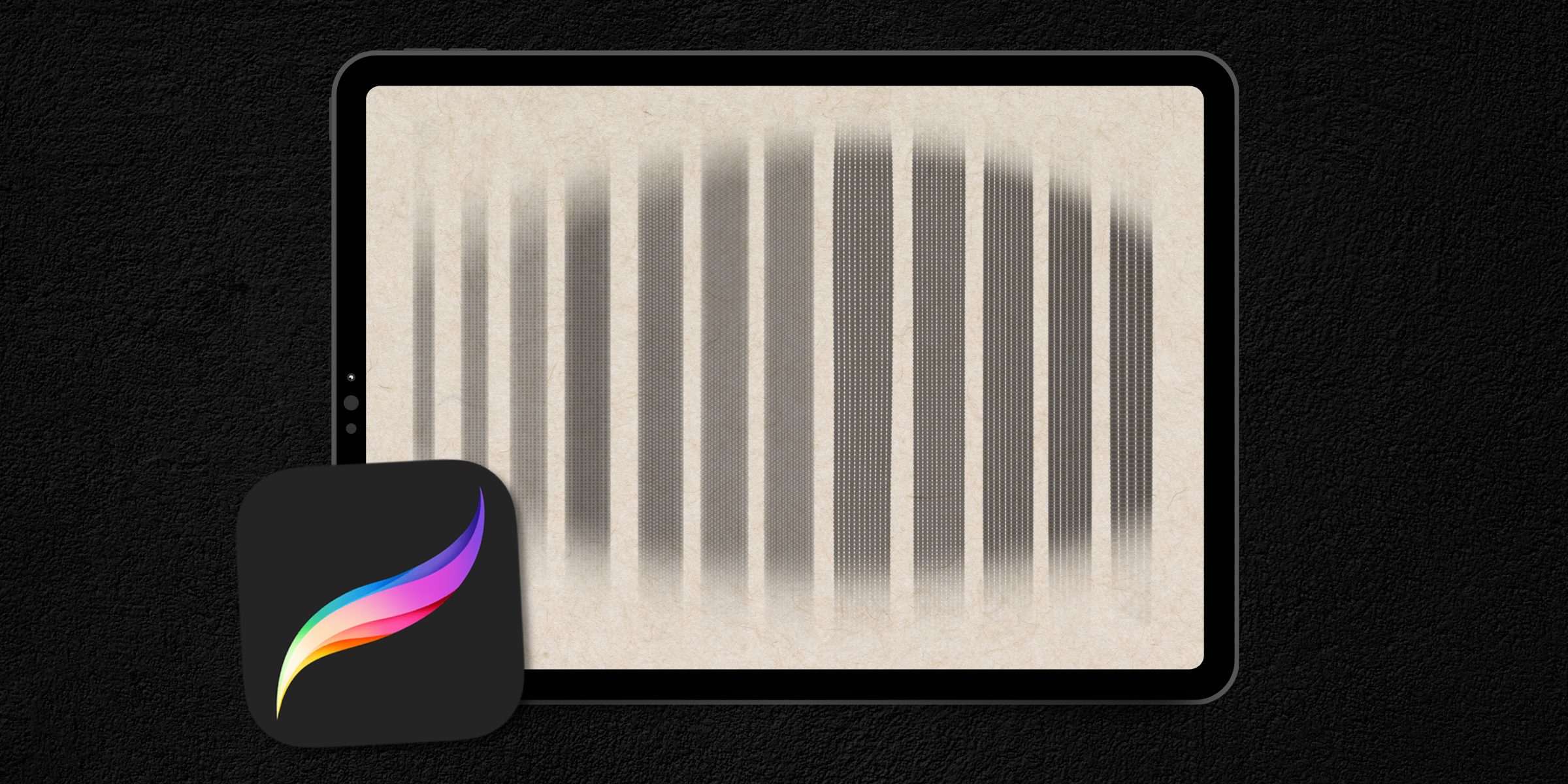
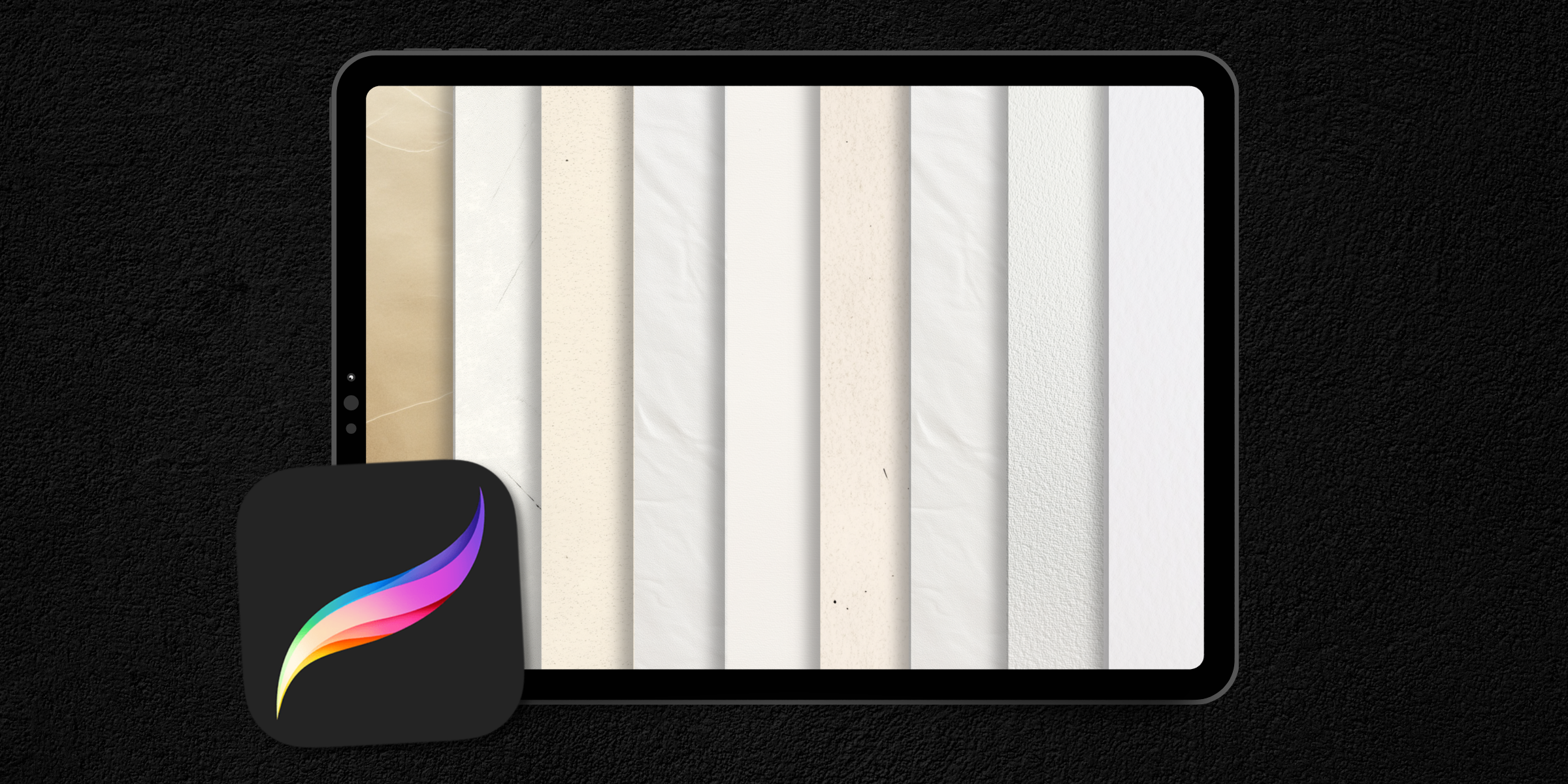
Import Background Textures
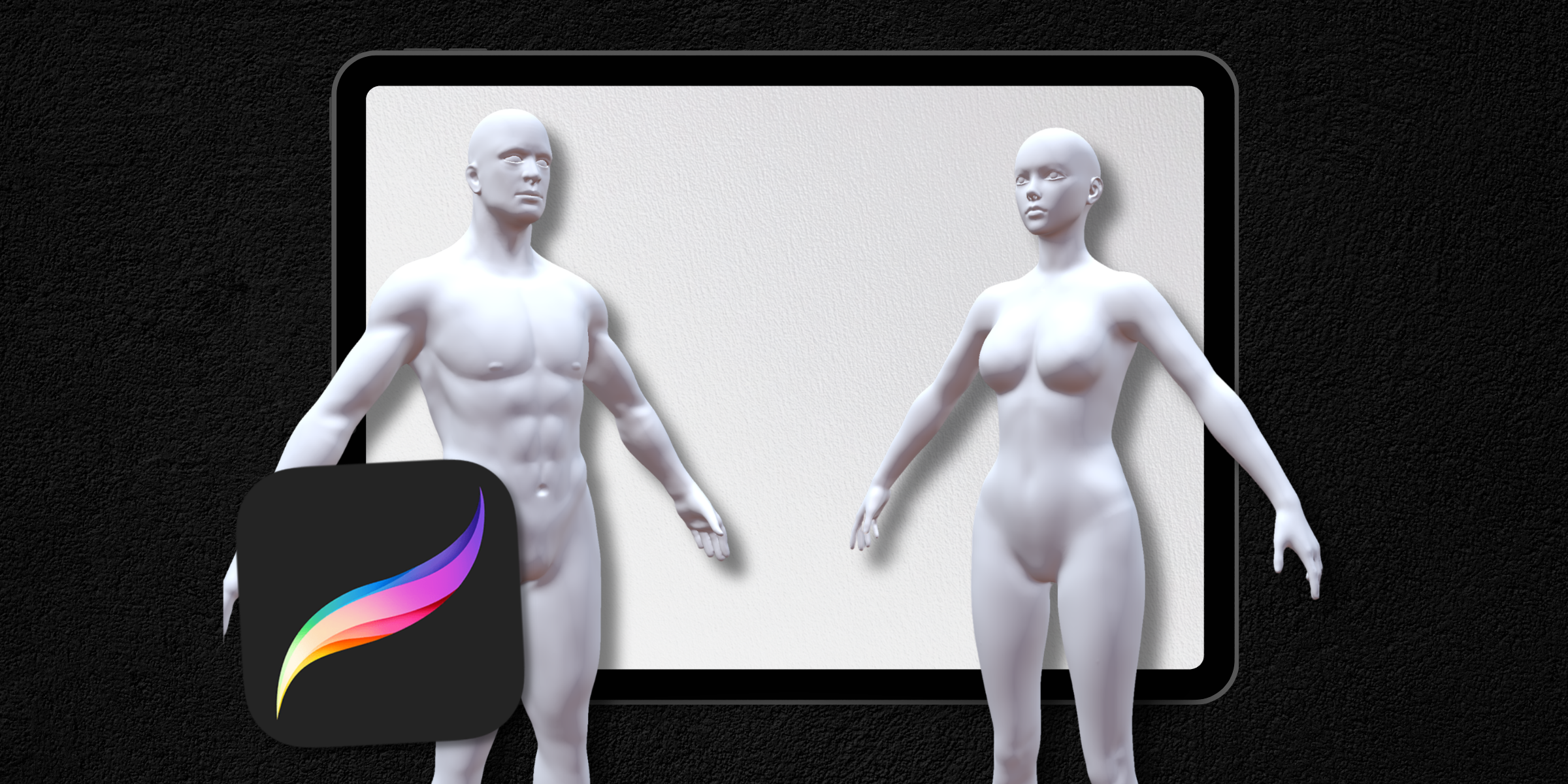
Import 3D Models
Import Reference Designs